Skip to content
CodesErreur.comSWISS PRO ENGINE
Core Diagnostics
DiagnosticsBrandsOEM ManualsSpecialistsAI EngineerPRO
Workshop Tools
Diagnostic ToolsNEW
Hardware interfaces & test probes
Find Rating Plate
Locate exact E-Nr, PNC & serial codes
Parts Locator
Global OEM spare parts suppliers
Community & Career
Academy & Courses
Masterclasses by senior technicians
Certification ExamsPRO
Verify your B2B technical credentials
Elite Forum
Peer-to-peer field troubleshooting
Tech Jobs
B2B recruitment & field opportunities
Leaderboard
Global ranking of verified specialists
Certified Appliance Engineering EcosystemApply for Certification →
Language Selector
Account & Access
Upgrade PRO
Back to Search
Elica • Central Diagnostic Dictionary
21 Verified Codes in Database

Elica Error Codes & Diagnostics

Access our premium database of error codes, common faults, and professional repair solutions for Elica appliances.

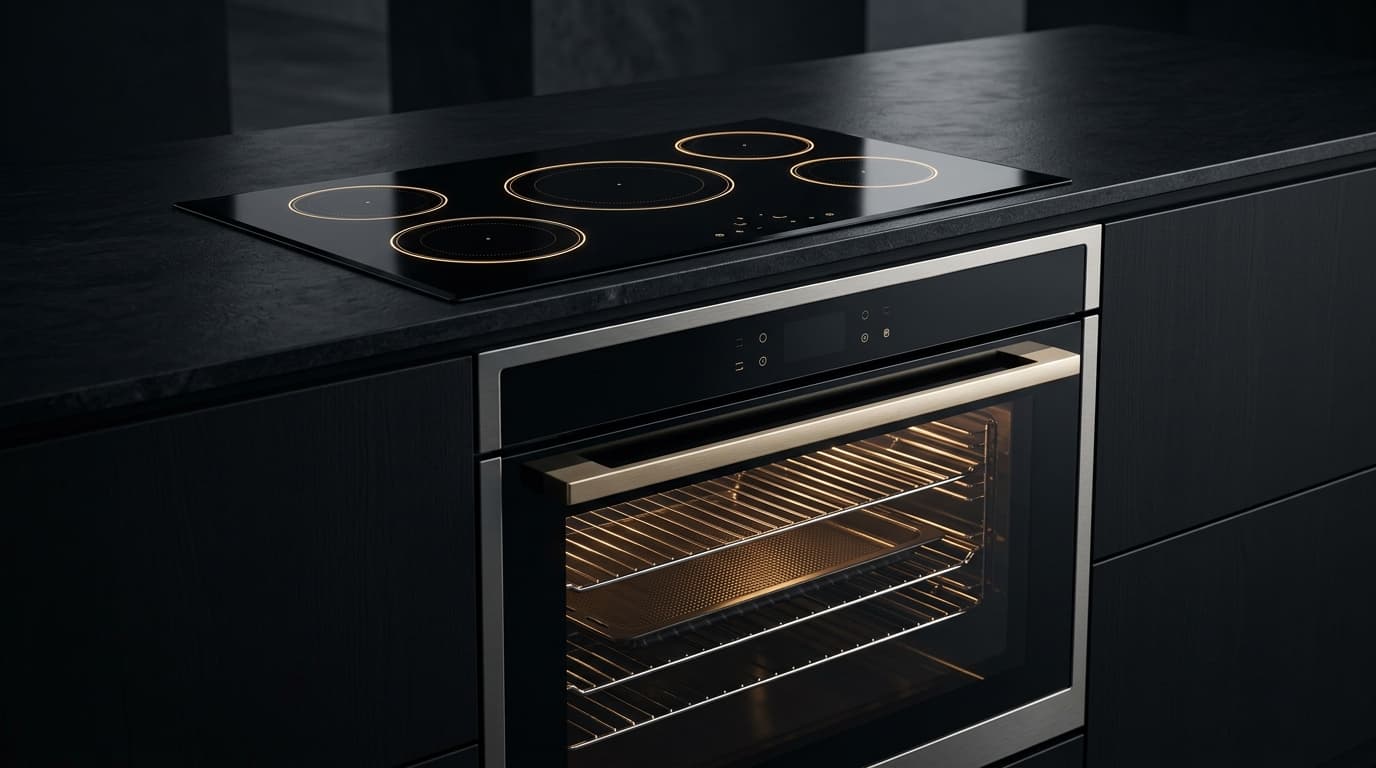
Integrated luxury convection oven and induction cooktop with illuminated touch controls
CodeAppliancesFault / DiagnosticsRepair InstructionsAction
A Flashing
Oven / Microwave
General System & Mechanical Integration

Light 'A' is flashing on the cooker hood display.

The grease filter saturation alarm has been triggered. This is a timed reminder.

Clean or replace the metal grease filters. After cleaning, reset the alarm by pressing and holding the designated reset button for a few seconds.

Diagnose
C Flashing
Oven / Microwave
General System & Mechanical Integration

Light 'C' is flashing on the cooker hood display after filter maintenance.

The filter saturation alarm system needs to be reset after cleaning or replacing the filters.

Perform the electronic reset procedure. Typically, this involves pressing a specific button or combination of buttons for several seconds until the light stops flashing.

Diagnose
E1
Oven / Microwave
Drive Motor, Inverter & Tachometer Sensor

Extractor hood is not working, E1 is displayed.

Communication error between the main control board and the motor.

Reset the hood by disconnecting it from the power supply for a few minutes. If the error persists, there may be a wiring issue or a faulty component requiring service.

Diagnose
E2
Hob / Cooktop
NTC Temperature Sensor & Thermistor

Elica E2: NTC temperature sensor signal out of range (open or short circuit) in Hob / Cooktop.

Temperature sensor is faulty or disconnected.

This is an internal hardware fault. Disconnect the hob from the power supply. A service technician is required to check the sensor and its connection.

Diagnose
E3
Hob / Cooktop
General System & Mechanical Integration

Hob is not working and displays E3.

The mains voltage is too high (overvoltage protection).

Disconnect the appliance and have a qualified electrician check the household power supply. The voltage should be within the range specified in the user manual.

Diagnose
E4
Hob / Cooktop
General System & Mechanical Integration

Hob is not working and displays E4.

The mains voltage is too low (undervoltage protection).

Disconnect the appliance and have a qualified electrician check the household power supply to ensure it is stable and within the required range.

Diagnose
E6
Hob / Cooktop
Electronic Control Board (PCB) & Bus Communications

One or more cooking zones are not working, E6 displayed.

Communication error between the touch control board and the power module.

Reset by disconnecting from power for a few minutes. If the error returns, it indicates a fault with the internal wiring or one of the electronic boards, requiring a service call.

Diagnose
E9
Hob / Cooktop
General System & Mechanical Integration

Hob is completely inoperable and displays E9.

General internal hardware fault or configuration error.

This error typically requires professional service. Try a power cycle first (disconnect from mains for 5 minutes). If the error persists, contact an authorized service technician.

Diagnose
Er4
Hob / Cooktop
General System & Mechanical Integration

Error code ER4 is displayed on the hob.

The Bridge Zone function has been activated, but the pots are not placed correctly to span the two linked zones.

Ensure you are using a single large pan that covers both bridge zone centers, or place two separate pans correctly within each of the linked zones.

Diagnose
F Flashing
Oven / Microwave
General System & Mechanical Integration

Light 'F' is flashing on the cooker hood display.

The charcoal/odor filter saturation alarm has been triggered. This is a timed reminder for non-ducted hoods.

Replace the charcoal filters. After replacing, reset the alarm by pressing and holding the designated reset button for a few seconds.

Diagnose
F0
Hob / Cooktop
General System & Mechanical Integration

Cooking zone does not turn on and F0 is displayed.

No pan is detected, the pan is not suitable for induction, or the pan is not correctly positioned on the cooking zone.

Ensure you are using induction-compatible cookware. Center the pan correctly on the selected cooking zone. If the pan is too small, it may not be detected.

Diagnose
F01
Oven / Microwave
NTC Temperature Sensor & Thermistor

Oven is not heating correctly and displays F01.

The oven temperature sensor (NTC) is defective or has an open circuit.

The oven temperature sensor needs to be tested and likely replaced by a qualified technician.

Diagnose
F1
Hob / Cooktop
General System & Mechanical Integration

A continuous beep is heard and F1 is displayed.

The cooking zone has been active for an extremely long time without change, or the pan is empty and has overheated.

Turn off the cooking zone. Allow the hob and pan to cool down before resuming cooking.

Diagnose
F2
Hob / Cooktop
General System & Mechanical Integration

Hob switches off and displays F2.

The hob electronics have overheated. This can be caused by prolonged use at high power or poor ventilation below the hob.

Turn off the hob and wait for it to cool down completely. Ensure the ventilation openings underneath the hob are not blocked.

Diagnose
F03
Oven / Microwave
Drive Motor, Inverter & Tachometer Sensor

Oven displays F03 and may not start a cycle.

Error with the door lock mechanism. The door is not locking or unlocking correctly, or the door switch is faulty.

Check that the door is closing properly and nothing is obstructing it. Try running a self-clean cycle briefly to engage the lock, then cancel. If the error persists, the lock motor or switch likely needs service.

Diagnose
F4
Hob / Cooktop
General System & Mechanical Integration

Hob does not work correctly and shows F4.

Incorrect mains voltage detected or a power surge has occurred.

Disconnect the hob from the power supply for at least 60 seconds, then reconnect. If the problem persists, have an electrician check the mains voltage and the connection.

Diagnose
F5
Hob / Cooktop
General System & Mechanical Integration

Controls are unresponsive and F5 is displayed.

The touch control panel is covered by an object (e.g., cloth, utensil) or a liquid spillage.

Remove any objects or wipe away any spills from the control panel. Dry the area thoroughly.

Diagnose
F6
Hob / Cooktop
Electronic Control Board (PCB) & Bus Communications

One side of the hob (left or right) stops working and displays F6.

Overheating of the power module for one side of the hob.

Let the hob cool down. Check for blocked ventilation. If the error persists after cooling, it may indicate a faulty power module or cooling fan.

Diagnose
F7
Hob / Cooktop
NTC Temperature Sensor & Thermistor

Hob displays F7 and may beep.

A fault with the temperature sensor (NTC) for a cooking zone has been detected.

Disconnect the appliance from the power for a few minutes and try again. If the error reoccurs, the sensor is likely faulty and requires a service technician.

Diagnose
F8
Hob / Cooktop
General System & Mechanical Integration

Cooking zone stops heating and shows F8.

Cookware bottom is deformed or does not have a perfectly flat base, causing poor contact and overheating.

Turn off the zone and allow it to cool. Try using different, high-quality, flat-bottomed induction cookware.

Diagnose
F9
Hob / Cooktop
Electronic Control Board (PCB) & Bus Communications

Elica F9: Operational cycle fault detected during Hob / Cooktop program execution.

Internal voltage error on the electronic board.

Reset the appliance by turning off the mains power for 1-2 minutes. If the error persists, the control board may be faulty and need replacement.

Diagnose

Elica — Complete Error Code Catalog

21 Verified Error Codes

Server-side index of all verified manufacturer error codes for technicians and automated crawlers.

Oven / Microwave6

A FlashingC FlashingE1F FlashingF01F03

Hob / Cooktop15

E2E3E4E6E9Er4F0F1F2F4F5F6F7F8F9

Need Help? Call a Certified Technician

Our official certified partners service Elica appliances in your area.

Electroassistance (Switzerland)Appliance Care UK (United Kingdom)
CodesErreur.com

Premium appliance diagnostics & repair database.
Powered by AI to help certified technicians worldwide.

Trusted by professionals in CH & FR

Platform

Search DatabasePRO Diagnostic AIPRODiagnostic ToolsBrands

Workshop Tools

Brands (87)OEM ManualsFind Rating PlateParts Locator

For Technicians

SpecialistsTechnician ForumTech JobsPremium

Corporate

Terms of ServicePrivacy PolicyOfficial Swiss Repair Partner: Electroassistance
OPERATIONAL SAFETY SPECIFICATION

SAFETY DISCLAIMER

The technical information, diagnostic guides, error codes, and AI-generated suggestions provided on this website are intended exclusively for certified and qualified professionals. Appliance repair involves severe electrical hazards, high voltages, and mechanical risks that can result in fatal injury or severe property damage. If you are not a trained technician, do not attempt to repair any appliances. CodesErreur assumes no responsibility or liability for any damage, injury, or consequential losses resulting from the use of the information provided on this platform. You use all information entirely at your own risk.

© 2026 CodesErreur. All rights reserved.

Official Swiss Repair Partner: Electroassistance Terms of Service Privacy Policy