
Skip to content
CodesErreur.comSWISS PRO ENGINE
Core Diagnostics
DiagnosticsBrandsOEM ManualsSpecialistsAI EngineerPRO
Workshop Tools
Diagnostic ToolsNEW
Hardware interfaces & test probes
Find Rating Plate
Locate exact E-Nr, PNC & serial codes
Parts Locator
Global OEM spare parts suppliers
Community & Career
Academy & Courses
Masterclasses by senior technicians
Certification ExamsPRO
Verify your B2B technical credentials
Elite Forum
Peer-to-peer field troubleshooting
Tech Jobs
B2B recruitment & field opportunities
Leaderboard
Global ranking of verified specialists
Certified Appliance Engineering EcosystemApply for Certification →
Language Selector
Account & Access
Upgrade PRO
Back to Search
OEM VERIFIED BENCH
OFFICIAL FAULT CODEFFFF
Bosch
Bosch // OFFICIAL DIAGNOSTIC BENCH

Bosch FFFF

CooktopElectronic Control Board (PCB) & Bus Communications
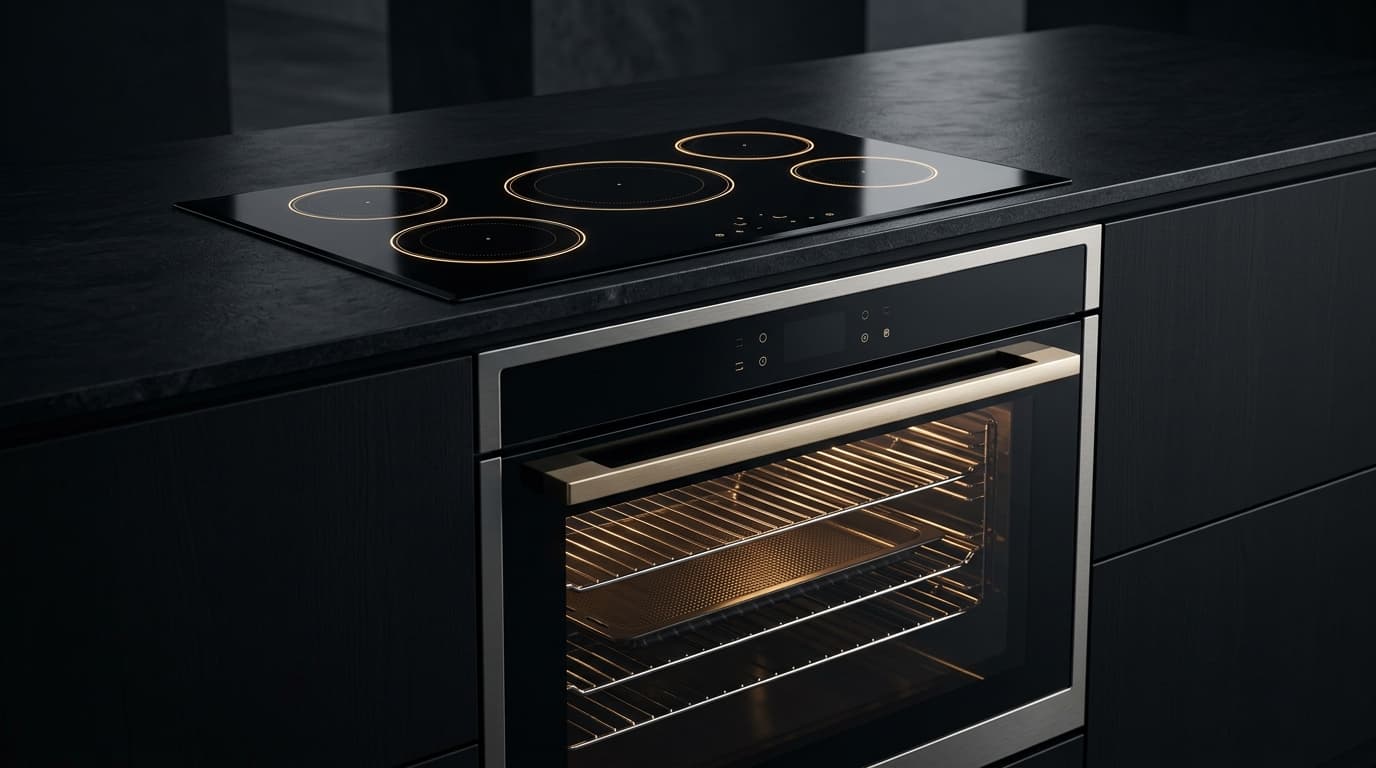
Integrated luxury convection oven and induction cooktop with illuminated touch controls
Cooktop

Symptom / Description

FAULT

Serial data bus communication fault between the cooktop control unit and the display module.

TELEMETRY // LIVESIG: FAULT_DETECTED

Root Cause

ROOT CAUSE

Interrupted or corrupted serial communication between the hob power board and the user interface module due to a loose ribbon cable, oxidized pins, or a defective display PCB.

CIRCUIT // SUBSYSTEMLOGIC: ROOT_ISOLATED

Repair Instructions

UNLOCKED
1Disconnect mains power, inspect the communication harness between the hob control unit and the display module for continuity and contact pressure, and replace the display module or power board if the fault persists.
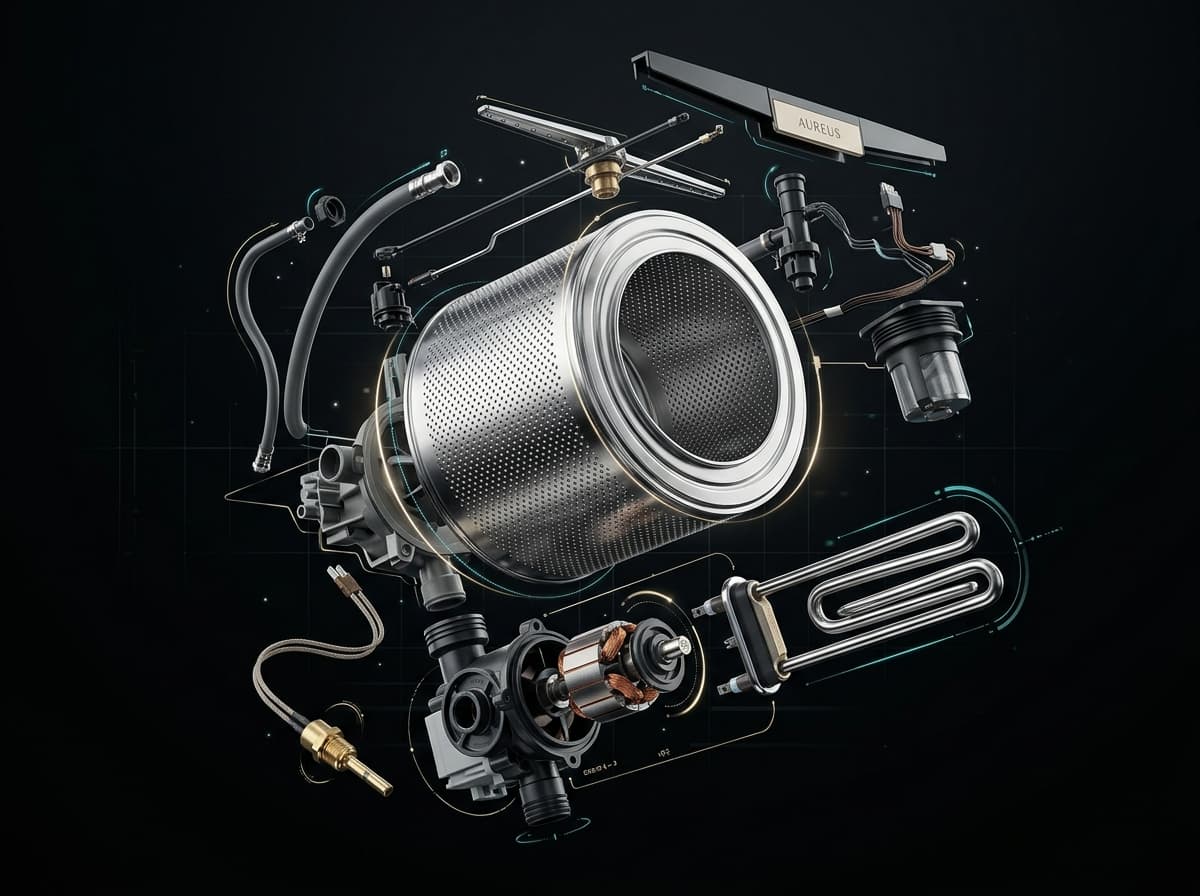
AI diagnostic workshop engine analyzing appliance circuit schematics and error telemetry in real time
AI WORKSHOP PROTOCOL ENGINE
Direct extraction from OEM factory manuals & wiring schematics

Field Actions

DISPATCH
Need Help? Call a Certified TechnicianWorldwide Bosch Parts Finder
Electrical & Safety Protocol

Always disconnect appliance from 230V/400V mains before opening panels. Use CAT III multimeter for circuit testing.
CALIBRATED BENCH PROTOCOL // CAT III 600V

Workshop Verification & Safety Checklist

WORKSHOP VERIFICATION PROTOCOLElectronic Control Board (PCB) & Bus CommunicationsHob / Cooktop
2. Multimeter & Electrical Bench Tests (Ω)
MODE: OHMMETER (Ω)AUTO-RANGE
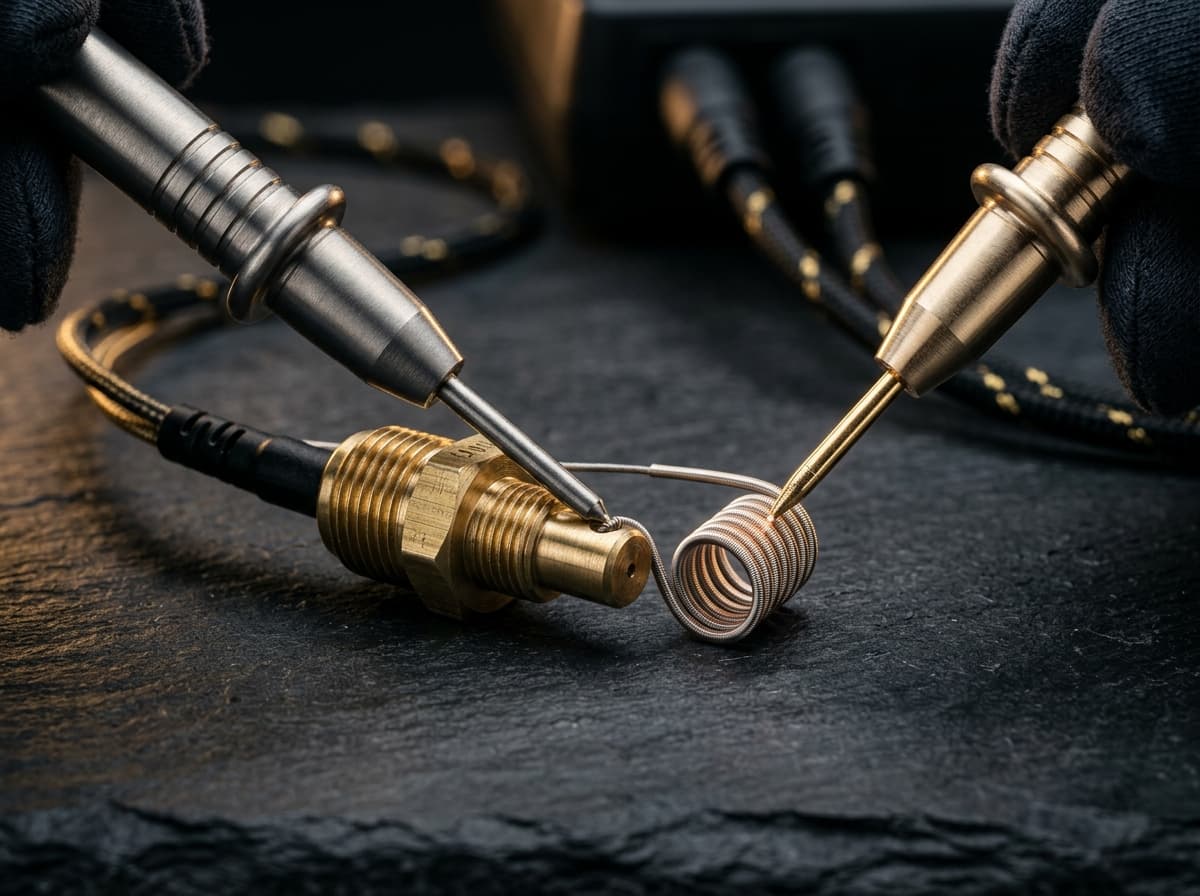
Precision digital multimeter probes measuring electrical resistance in Ohms on an appliance control board
CALIBRATED METROLOGY RESISTANCE BENCH (CAT III)
Nominal Resistance (Ω)
Low-voltage rails: +5.0V DC (Logic), +12.0V DC (Relays), +3.3V DC (MCU). Relay coils: 200Ω–450Ω.NOMINAL
0 Ω (SHORT)CALIBRATED BAND∞ OL (OPEN)
▲ NOMINAL OPERATING WINDOW
Target Component:PCB Power Supply Rails & DC Bus Filter Capacitors
Test Pins & Connections
PROBE (+)
PROBE (-)
Across SMPS output electrolytic capacitors on low-voltage side (test bench verification)
Tolerance & Diagnostic CriteriaDC rail ripple must remain <50mV. Direct continuity (0Ω) across DC bus rails indicates dead short.
1. Pre-Intervention Electrical Safety Protocols
  • !High-Voltage Safety Protocol: Disconnect 230V power before unplugging edge connectors or removing PCB.
  • !High Voltage DC Warning: Wait at least 5 minutes for SMPS and inverter filter capacitors (up to 380V DC) to discharge safely.
  • !Electrostatic Discharge (ESD): Ground yourself to the metal chassis or wear an antistatic wrist strap before touching circuit tracks.
3. Preliminary Mechanical & Visual Checks
  • Inspect PCB tracks with a magnifying glass for blown triacs, darkened copper tracks, or cold solder joints on power relays.
  • Check electrolytic capacitors for bulging tops or leaked electrolyte residue around pins.
  • Verify edge connector locking clips are intact and pins are free of vibration fretting corrosion.
Perform these diagnostic steps before triggering AI Deep Search or replacing boards.Certified Workshop Routine

Frequently Asked Questions: Bosch FFFF

FAQ TREE
What does error code FFFF mean on a Bosch appliance?

Bosch error code FFFF indicates: Serial data bus communication fault between the cooktop control unit and the display module..

What is the root cause of Bosch error code FFFF?

The primary root cause for Bosch code FFFF is: Interrupted or corrupted serial communication between the hob power board and the user interface module due to a loose ribbon cable, oxidized pins, or a defective display PCB..

How do I fix or resolve Bosch error code FFFF?

To resolve error code FFFF: Disconnect mains power, inspect the communication harness between the hob control unit and the display module for continuity and contact pressure, and replace the display module or power board if the fault persists.

Is it safe to clear Bosch error code FFFF by resetting power?

Resetting power (unplugging for 5–10 minutes) clears temporary memory errors. However, if Bosch code FFFF persists, the physical component causing Interrupted or corrupted serial communication between the hob power board and the user interface module due to a loose ribbon cable, oxidized pins, or a defective display PCB. must be inspected or replaced.

How do I test electrical resistance for Bosch code FFFF using a multimeter?

Set a digital multimeter to ohms (Ω). Disconnect power and test PCB Power Supply Rails & DC Bus Filter Capacitors across Across SMPS output electrolytic capacitors on low-voltage side (test bench verification). Expected nominal reading is Low-voltage rails: +5.0V DC (Logic), +12.0V DC (Relays), +3.3V DC (MCU). Relay coils: 200Ω–450Ω.. Tolerance: DC rail ripple must remain <50mV. Direct continuity (0Ω) across DC bus rails indicates dead short..

What safety protocol must be followed before servicing Bosch code FFFF?

Standard electrical safety protocol: 1. Disconnect 230V mains power before opening panels. 2. Verify zero voltage at test points. 3. Allow hot water or heating elements to cool below 30°C before handling.

Community Verification

COMMUNITY

Did this solution resolve the issue?

SEMANTIC KNOWLEDGE GRAPH // BOSCH

Related Bosch Hob / Cooktop Error Codes

Diagnostic Link Mesh14 OEM Cross-References

Cross-referenced diagnostic codes for technicians inspecting similar component subsystems.

U400General System & Mechanical Integration
U400 displayed statically, continuous loud signal
Inspect Protocol
EGeneral System & Mechanical Integration
E blinks alternately with the cooking level/residual heat, or EEEE blinks in all displays. A...
Inspect Protocol
EEEEElectronic Control Board (PCB) & Bus Communications
Bosch EEEE: Operational cycle fault detected during Hob / Cooktop program execution.
Inspect Protocol
Er13General System & Mechanical Integration
Sporadic failure of the control unit with error message Er13
Inspect Protocol
ErXYElectronic Control Board (PCB) & Bus Communications
Internal error detected by electronics (display implied)
Inspect Protocol
FElectronic Control Board (PCB) & Bus Communications
Error display F in the display of a cooktop
Inspect Protocol
F0Electronic Control Board (PCB) & Bus Communications
Communication error in cooking sensors / communication error between polybox and display boards
Inspect Protocol
F1General System & Mechanical Integration
F and 1 blink alternately in the heating zone display
Inspect Protocol
F2General System & Mechanical Integration
The heating zone that caused the overtemperature is completely switched off, and the error m...
Inspect Protocol
F3Heating Element, Thermostat & Safety Fuse
Overheating control module (T>100°C) / overheating cooking sensor (T>100°C)
Inspect Protocol
F4Heating Element, Thermostat & Safety Fuse
F and 4 blink alternately in the display (or general error message in cooking sensor operation)
Inspect Protocol
F5Electronic Control Board (PCB) & Bus Communications
Error message displayed in cooking sensor operation (1 sec on / 1 sec off)
Inspect Protocol
F6Electronic Control Board (PCB) & Bus Communications
Codes F and 6 flash alternately on the cooktop heating zone display.
Inspect Protocol
F7NTC Temperature Sensor & Thermistor
Codes F and 7 flash alternately on the cooktop heating zone display.
Inspect Protocol
CodesErreur.com

Premium appliance diagnostics & repair database.
Powered by AI to help certified technicians worldwide.

Trusted by professionals in CH & FR

Platform

Search DatabasePRO Diagnostic AIPRODiagnostic ToolsBrands

Workshop Tools

Brands (87)OEM ManualsFind Rating PlateParts Locator

For Technicians

SpecialistsTechnician ForumTech JobsPremium

Corporate

Terms of ServicePrivacy PolicyOfficial Swiss Repair Partner: Electroassistance
OPERATIONAL SAFETY SPECIFICATION

SAFETY DISCLAIMER

The technical information, diagnostic guides, error codes, and AI-generated suggestions provided on this website are intended exclusively for certified and qualified professionals. Appliance repair involves severe electrical hazards, high voltages, and mechanical risks that can result in fatal injury or severe property damage. If you are not a trained technician, do not attempt to repair any appliances. CodesErreur assumes no responsibility or liability for any damage, injury, or consequential losses resulting from the use of the information provided on this platform. You use all information entirely at your own risk.

© 2026 CodesErreur. All rights reserved.

Official Swiss Repair Partner: Electroassistance Terms of Service Privacy Policy