
Field Actions
DISPATCHAlways disconnect appliance from 230V/400V mains before opening panels. Use CAT III multimeter for circuit testing.

Frequently Asked Questions: Gea-Appliances F2
FAQ TREEWhat does error code F2 mean on a Gea-Appliances appliance?
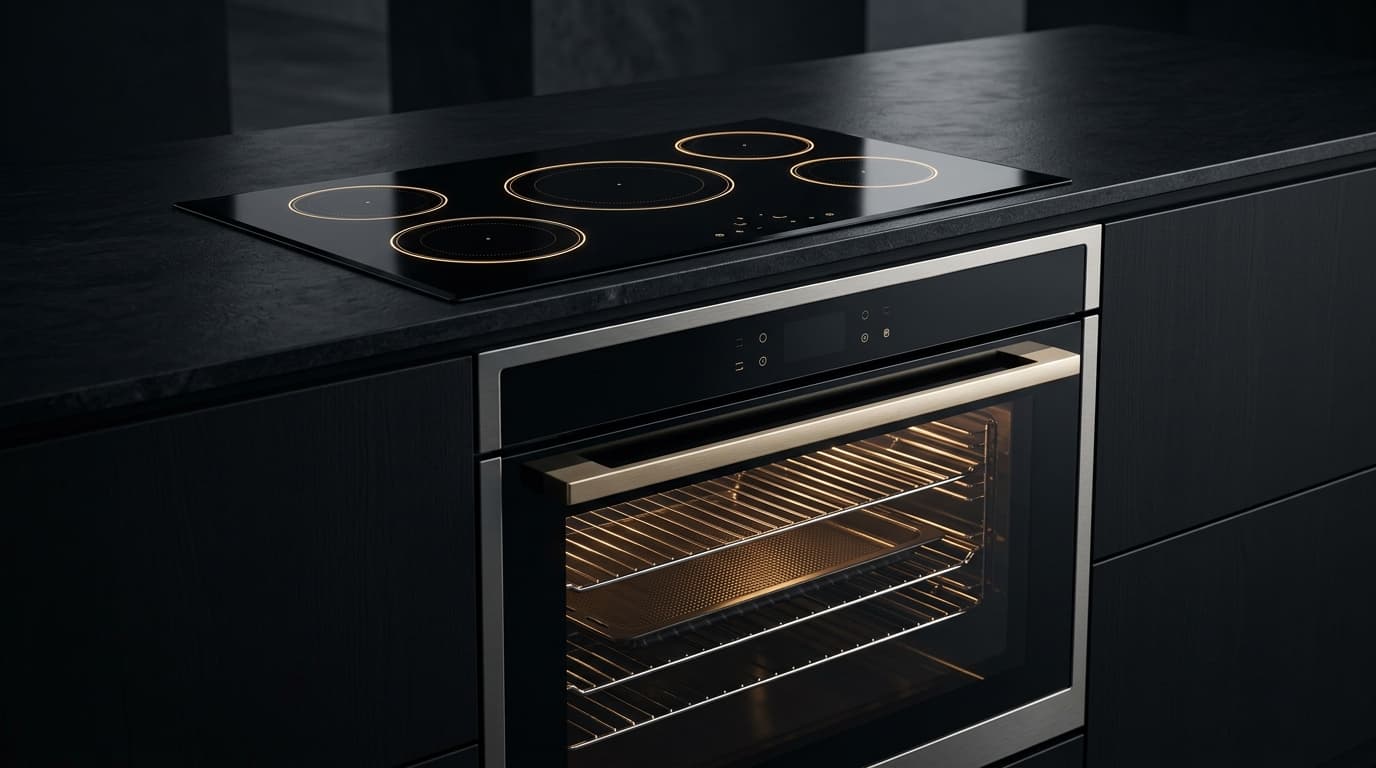
Gea-Appliances error code F2 indicates: Oven temperature is too high.
What is the root cause of Gea-Appliances error code F2?
The primary root cause for Gea-Appliances code F2 is: The oven has exceeded a preset high-temperature limit, often due to a shorted oven temperature sensor or a faulty control board relay..
How do I fix or resolve Gea-Appliances error code F2?
To resolve error code F2: Turn off power at the circuit breaker for 5 minutes, then restore power. If the code returns, the oven temperature sensor likely needs to be replaced.
Is it safe to clear Gea-Appliances error code F2 by resetting power?
Resetting power (unplugging for 5–10 minutes) clears temporary memory errors. However, if Gea-Appliances code F2 persists, the physical component causing The oven has exceeded a preset high-temperature limit, often due to a shorted oven temperature sensor or a faulty control board relay. must be inspected or replaced.
How do I test electrical resistance for Gea-Appliances code F2 using a multimeter?
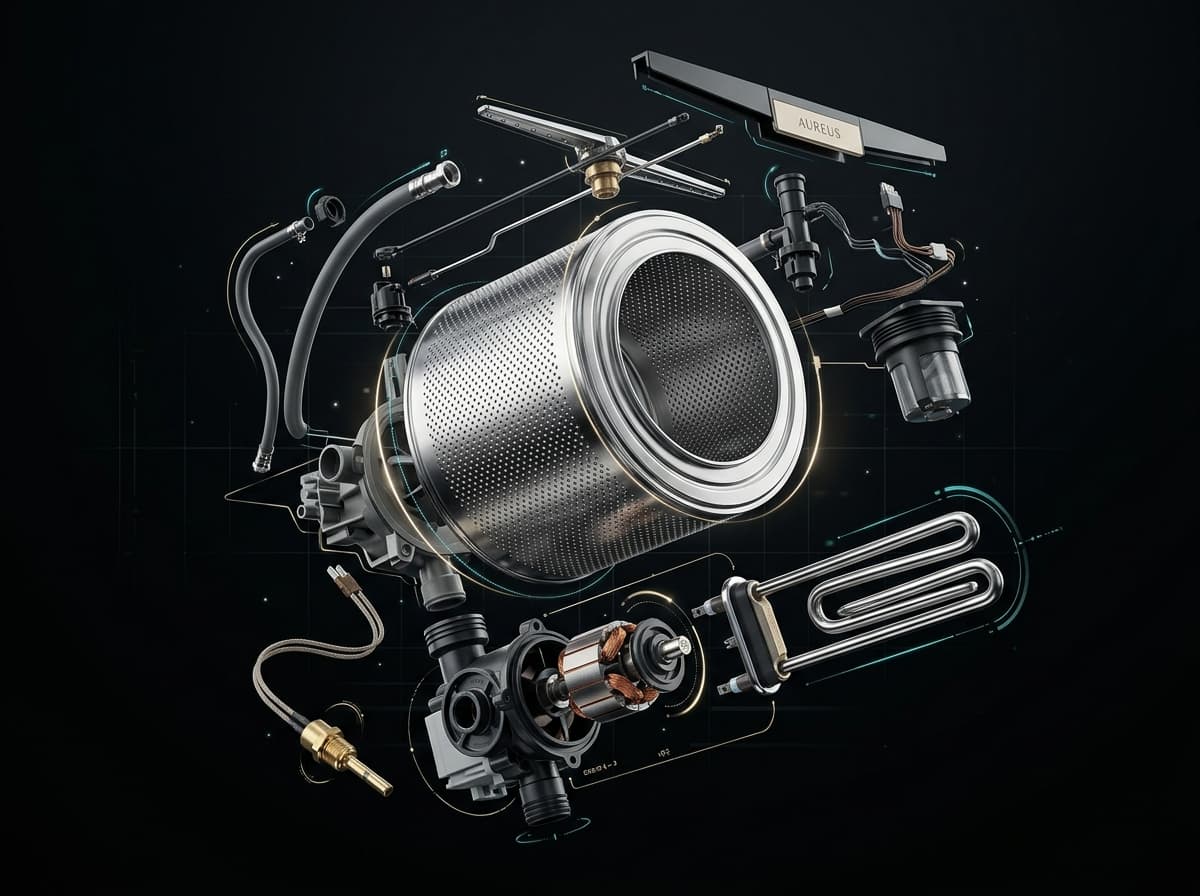
Set a digital multimeter to ohms (Ω). Disconnect power and test NTC Temperature Sensor Probe (Thermistor) across Across sensor pins 1-2 (unplugged harness). Expected nominal reading is 4.8kΩ–12kΩ (at 20°C–25°C). Tolerance: Negative temperature coefficient: resistance drops smoothly when warmed with fingers. OL = open circuit..
What safety protocol must be followed before servicing Gea-Appliances code F2?
Standard electrical safety protocol: 1. Disconnect 230V mains power before opening panels. 2. Verify zero voltage at test points. 3. Allow hot water or heating elements to cool below 30°C before handling.
Community Verification
COMMUNITYDid this solution resolve the issue?