
Field Actions
DISPATCHAlways disconnect appliance from 230V/400V mains before opening panels. Use CAT III multimeter for circuit testing.
Frequently Asked Questions: Faber F3
FAQ TREEWhat does error code F3 mean on a Faber appliance?
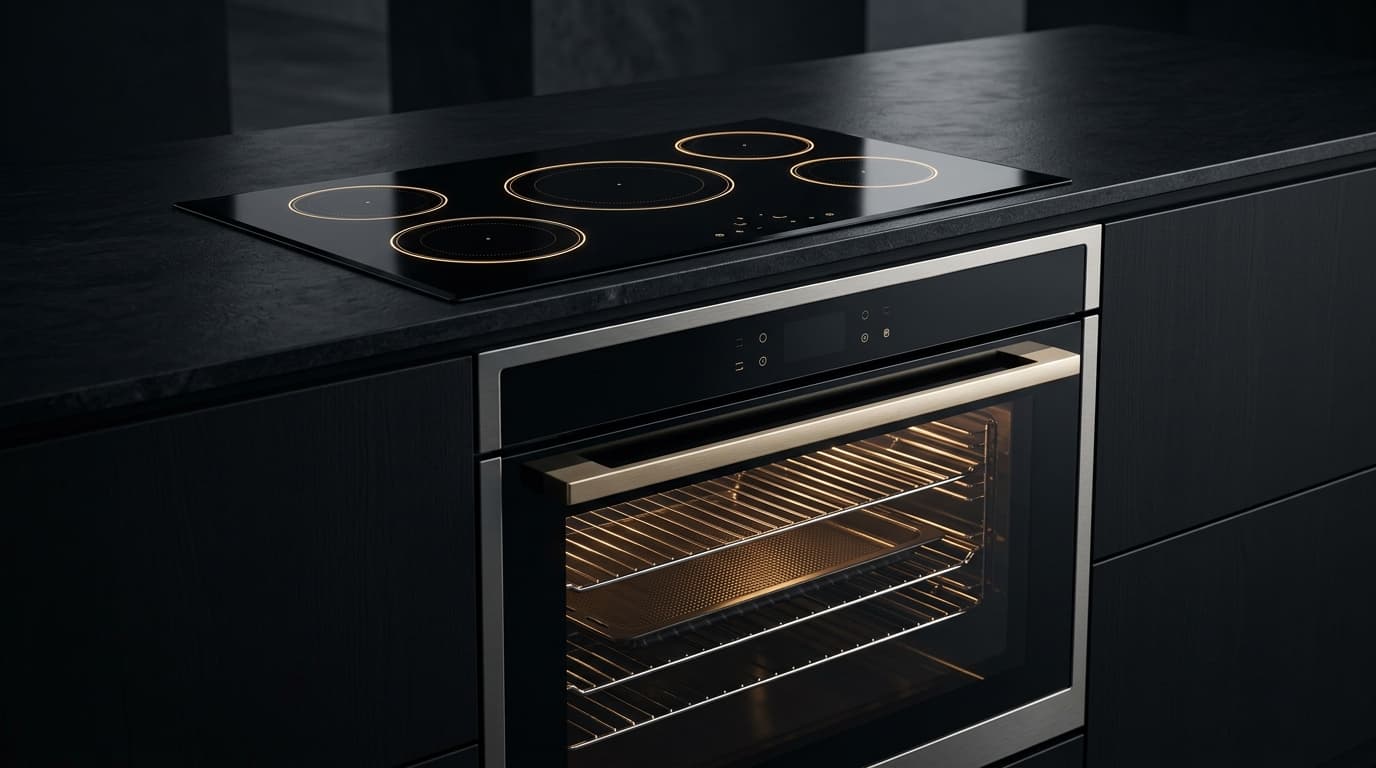
Faber error code F3 indicates: Oven is too hot or displays error during use.
What is the root cause of Faber error code F3?
The primary root cause for Faber code F3 is: The oven is overheating. This can be caused by a faulty temperature sensor, a stuck relay on the control board, or a non-functioning cooling fan..
How do I fix or resolve Faber error code F3?
To resolve error code F3: Allow the oven to cool completely. Check that the cooling fan is running. If the problem continues, the sensor or control board may need service.
Is it safe to clear Faber error code F3 by resetting power?
Resetting power (unplugging for 5–10 minutes) clears temporary memory errors. However, if Faber code F3 persists, the physical component causing The oven is overheating. This can be caused by a faulty temperature sensor, a stuck relay on the control board, or a non-functioning cooling fan. must be inspected or replaced.
How do I test electrical resistance for Faber code F3 using a multimeter?
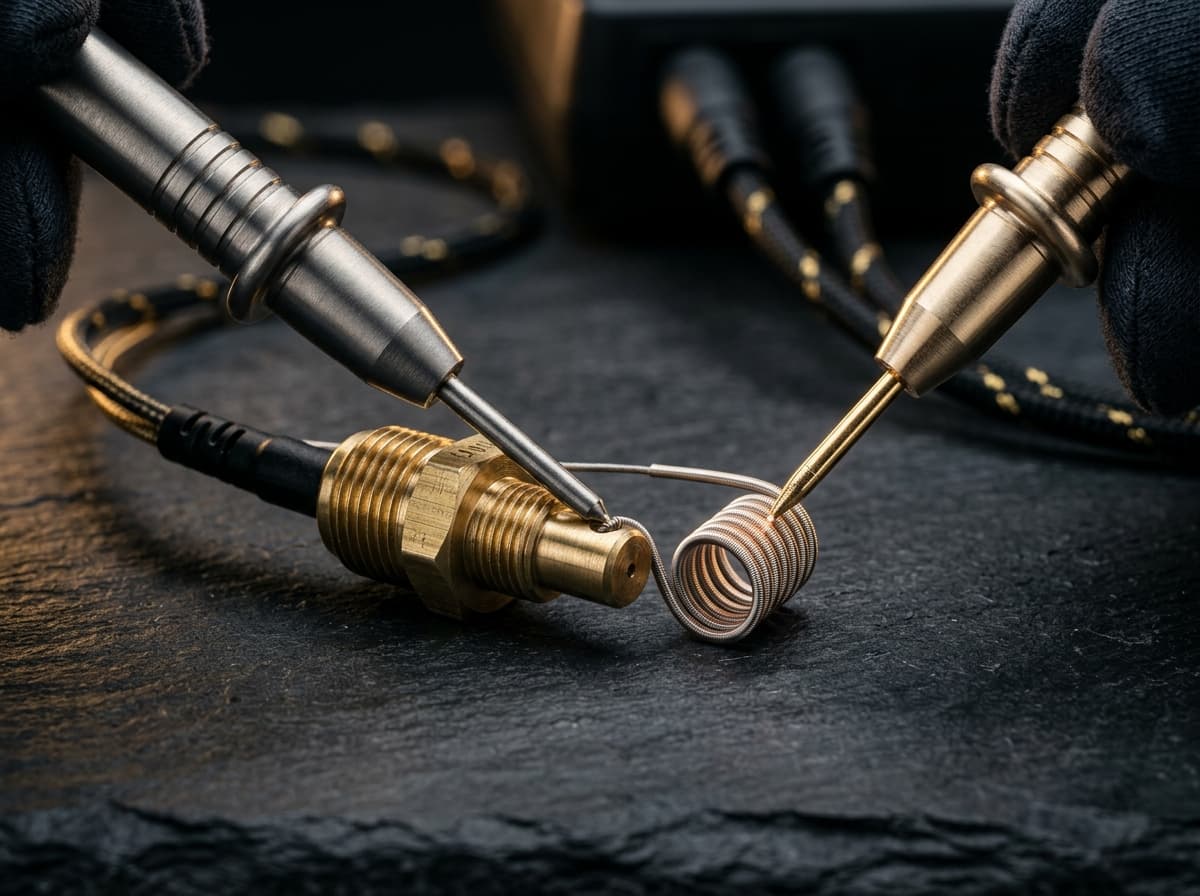
Set a digital multimeter to ohms (Ω). Disconnect power and test NTC Temperature Sensor Probe (Thermistor) across Across sensor pins 1-2 (unplugged harness). Expected nominal reading is 4.8kΩ–12kΩ (at 20°C–25°C). Tolerance: Negative temperature coefficient: resistance drops smoothly when warmed with fingers. OL = open circuit..
What safety protocol must be followed before servicing Faber code F3?
Standard electrical safety protocol: 1. Disconnect 230V mains power before opening panels. 2. Verify zero voltage at test points. 3. Allow hot water or heating elements to cool below 30°C before handling.
Community Verification
COMMUNITYDid this solution resolve the issue?