
Field Actions
DISPATCHAlways disconnect appliance from 230V/400V mains before opening panels. Use CAT III multimeter for circuit testing.
Frequently Asked Questions: FAGOR F09
FAQ TREEWhat does error code F09 mean on a FAGOR appliance?
FAGOR error code F09 indicates: Fagor Washing Machine display erratically flips cycle selections and displays 'F09' upon pressing Start..
What is the root cause of FAGOR error code F09?
The primary root cause for FAGOR code F09 is: Rotary program encoder switch contact degradation, oxidized wiper tracks, or ribbon cable disconnect on display module..
How do I fix or resolve FAGOR error code F09?
To resolve error code F09: Clean rotary encoder switch with electrical contact spray. Reseat display ribbon cable firmly. Replace user interface module if encoder fails.
Is it safe to clear FAGOR error code F09 by resetting power?
Resetting power (unplugging for 5–10 minutes) clears temporary memory errors. However, if FAGOR code F09 persists, the physical component causing Rotary program encoder switch contact degradation, oxidized wiper tracks, or ribbon cable disconnect on display module. must be inspected or replaced.
How do I test electrical resistance for FAGOR code F09 using a multimeter?
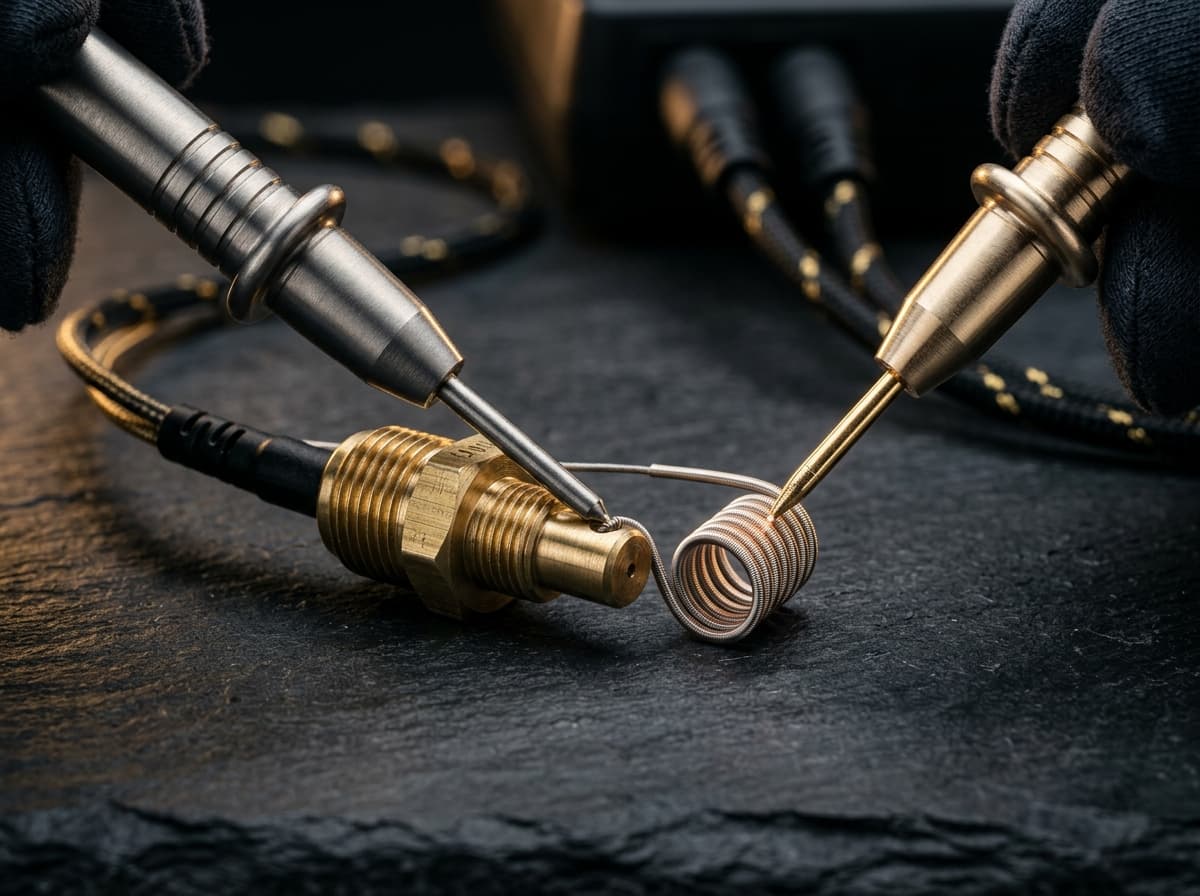
Set a digital multimeter to ohms (Ω). Disconnect power and test PCB Power Supply Rails & DC Bus Filter Capacitors across Across SMPS output electrolytic capacitors on low-voltage side (test bench verification). Expected nominal reading is Low-voltage rails: +5.0V DC (Logic), +12.0V DC (Relays), +3.3V DC (MCU). Relay coils: 200Ω–450Ω.. Tolerance: DC rail ripple must remain <50mV. Direct continuity (0Ω) across DC bus rails indicates dead short..
What safety protocol must be followed before servicing FAGOR code F09?
Standard electrical safety protocol: 1. Disconnect 230V mains power before opening panels. 2. Verify zero voltage at test points. 3. Allow hot water or heating elements to cool below 30°C before handling.
Community Verification
COMMUNITYDid this solution resolve the issue?